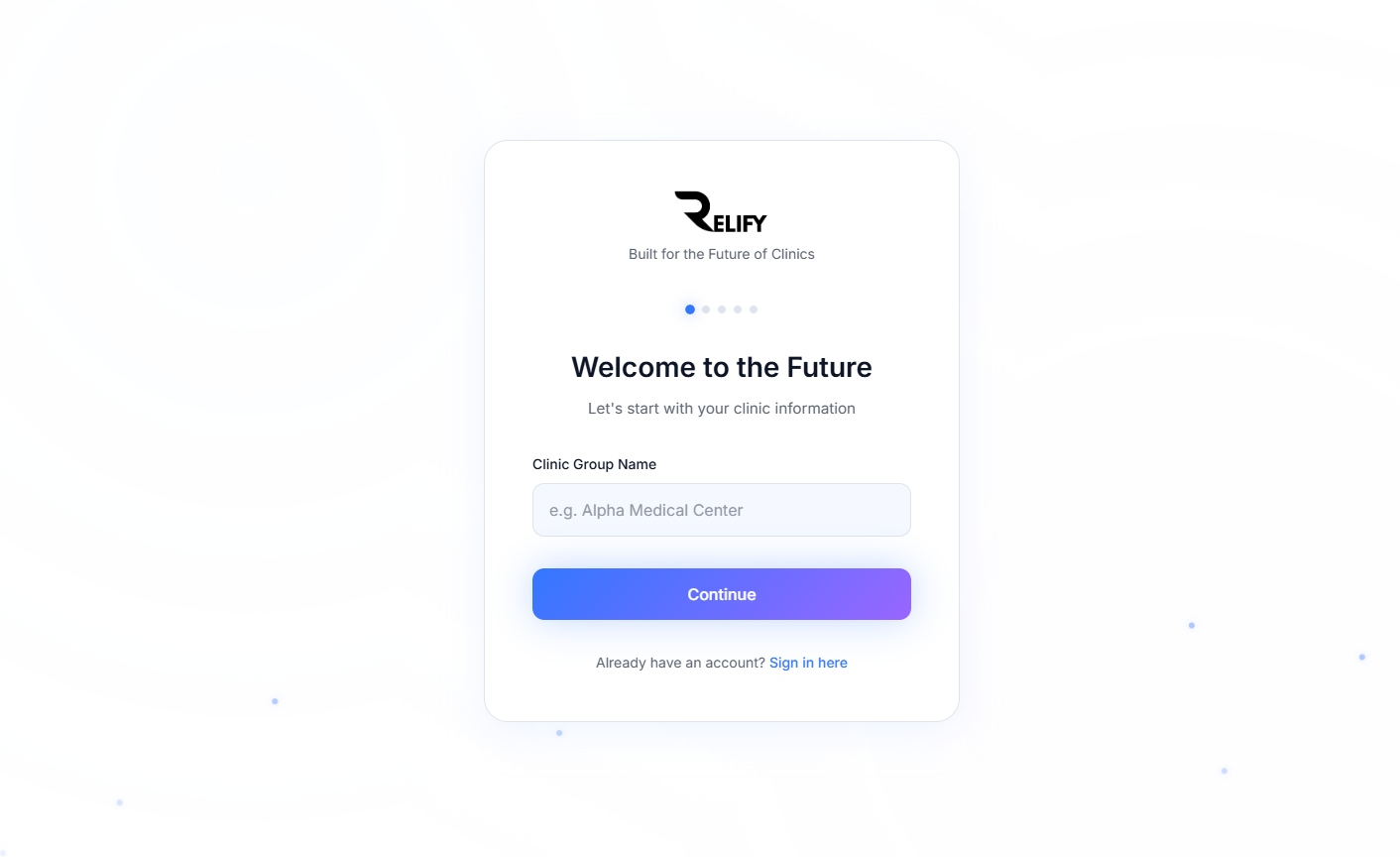
Create Your Account
Begin your journey by creating your Relify account. Our secure registration process is designed specifically for healthcare professionals in Malaysia.
- Visit app.relify.com.my and click "Sign Up"
- Enter your clinic name and professional details
- Provide a valid email address and create a secure password
- Select your medical specialty and clinic type
- Agree to our Terms of Service and Privacy Policy
Pro Tip
Use your professional email address as this will be your primary communication channel for important updates and notifications.
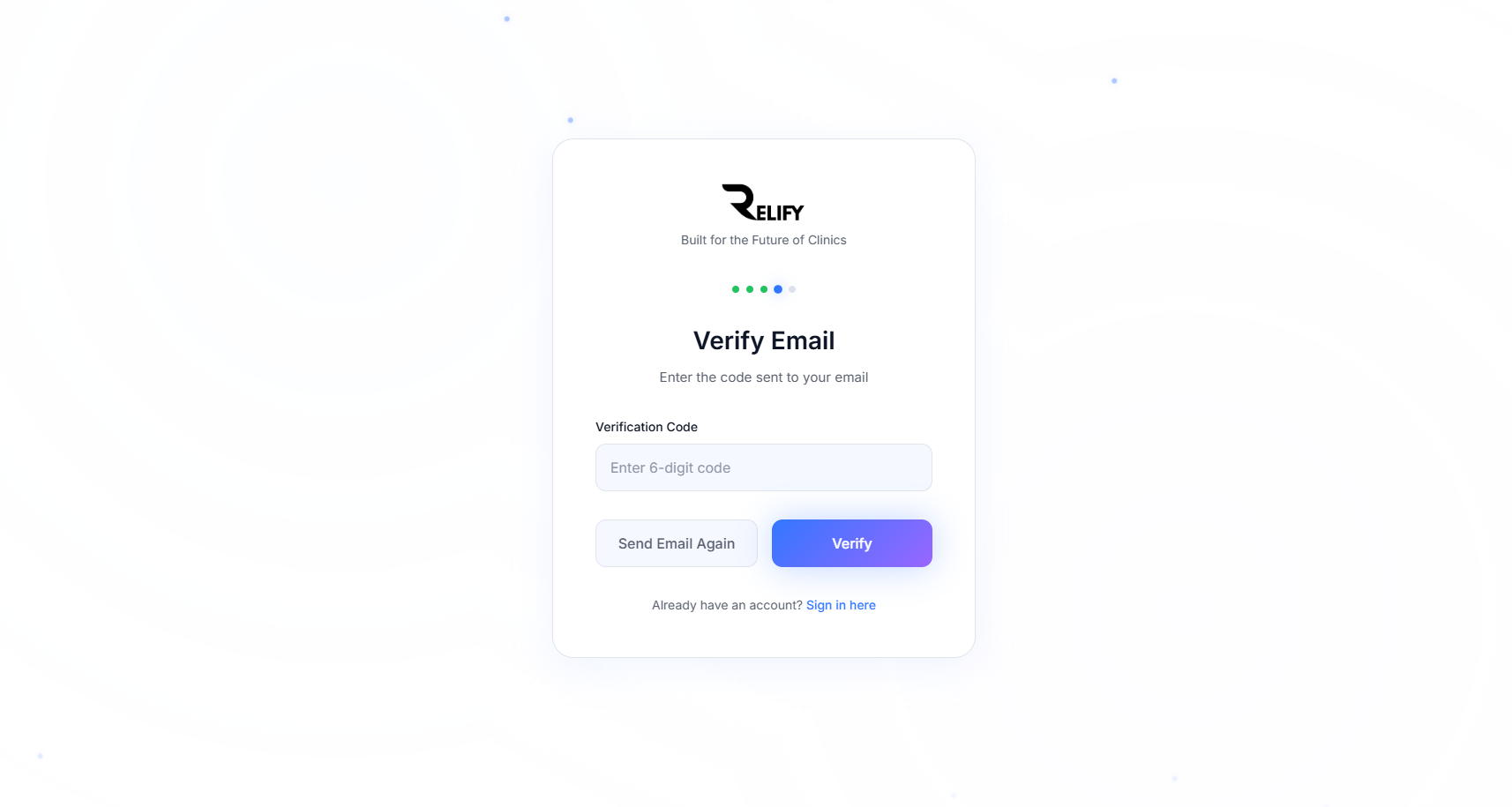
Verify Your Email
Security is our priority. Verify your email address to ensure secure access to your clinic's sensitive data and enable important notifications.
- Check your email inbox for a verification message from Relify
- Click the "Verify Email Address" button in the email
- You'll be redirected to a confirmation page
- Your email is now verified and ready for secure communications
- If you don't see the email, check your spam folder
Security Note
Email verification ensures that only you have access to important security notifications and password reset requests.
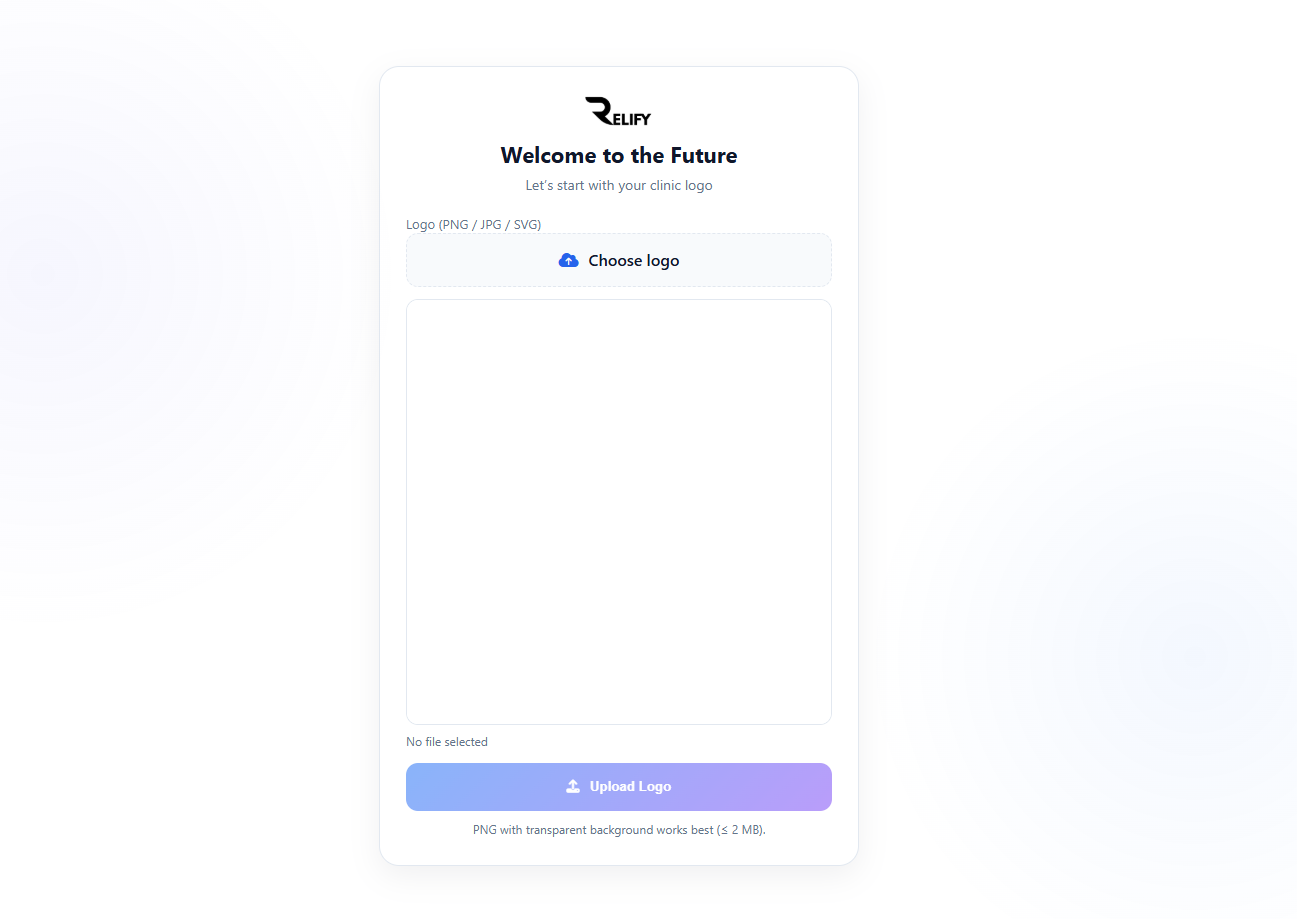
Configure Your Clinic
Personalize your Relify experience by setting up your clinic profile, preferences, and basic configurations to match your practice needs.
- Upload your clinic logo and branding elements
- This will be used throughout Invoice creation on all branches under the clinic group
Customization
Take time to configure these settings properly - they can be changed later, but getting them right from the start will save you time.
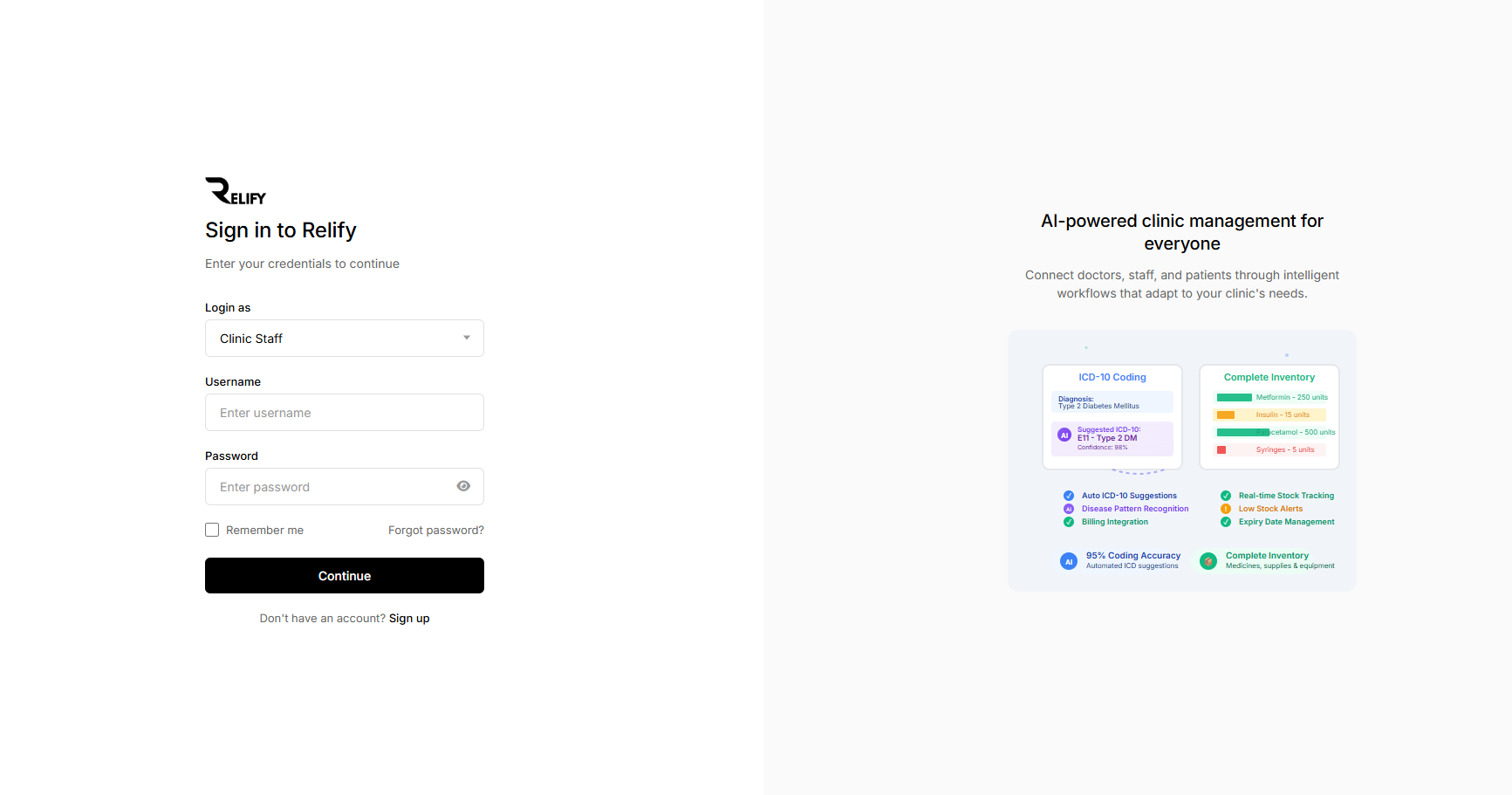
Access Your Account
With your account created and verified, you can now securely log in to your Relify platform using our advanced authentication system.
- Navigate to app.relify.com.my and click "Login"
- Enter your registered email address and password
- Complete two-factor authentication if enabled
- Access your secure, encrypted clinic management portal
- Enable "Remember Me" for faster future access on trusted devices
Password Security
Use a strong, unique password and consider enabling two-factor authentication for maximum security of your patient data.
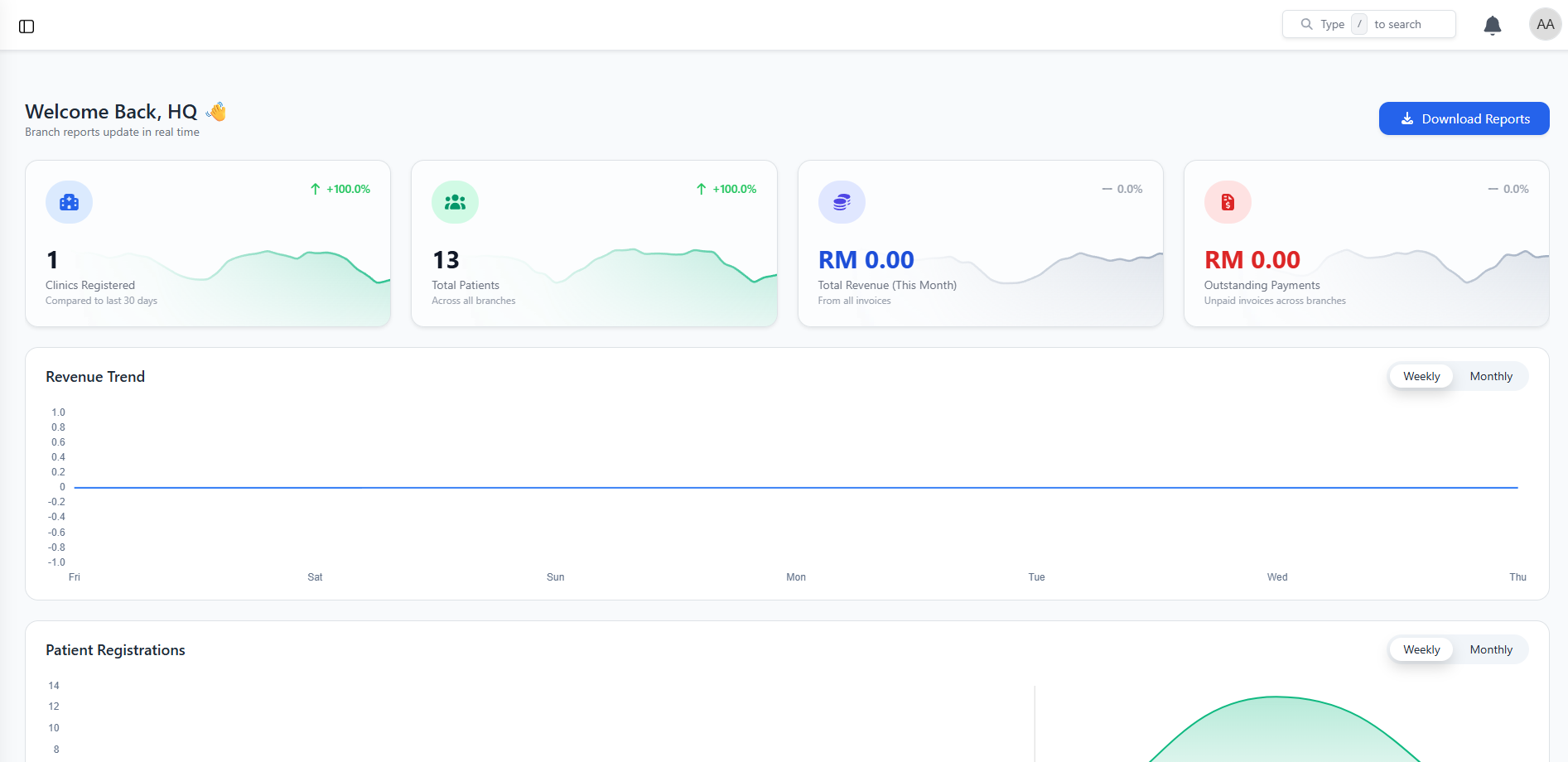
Welcome to Your Dashboard
Congratulations! You've successfully accessed your Relify dashboard. Explore the intuitive interface designed to streamline your clinic operations with AI-powered insights.
- Review your personalized clinic overview and key metrics
- Explore the main navigation and feature categories
- Check out today's schedule and pending tasks
- Begin adding branches unified under your clinic group
- Begin adding your first patients and appointments
Learning Resources
Take advantage of our guided tour and help tooltips to familiarize yourself with all the powerful features available to optimize your clinic.