Intelligence / AI Assistant

Ask your clinic. Then act on the answer.

Relify AI understands the clinic data, modules and permissions available to you. Ask what is happening, generate reports, review patient context and — where your role allows it — carry out operational work without jumping between screens.

One assistant · across the clinic

From a question to the next best operational step.

Relify AI is built into the clinic system rather than sitting beside it. It can read authorised operational context, explain what matters, prepare exports and reports, and invoke approved actions in the modules your account can use.

Know what needs attention without opening six modules.

Ask a plain-English question and Relify can bring together the relevant authorised information from your clinic into one clear answer.
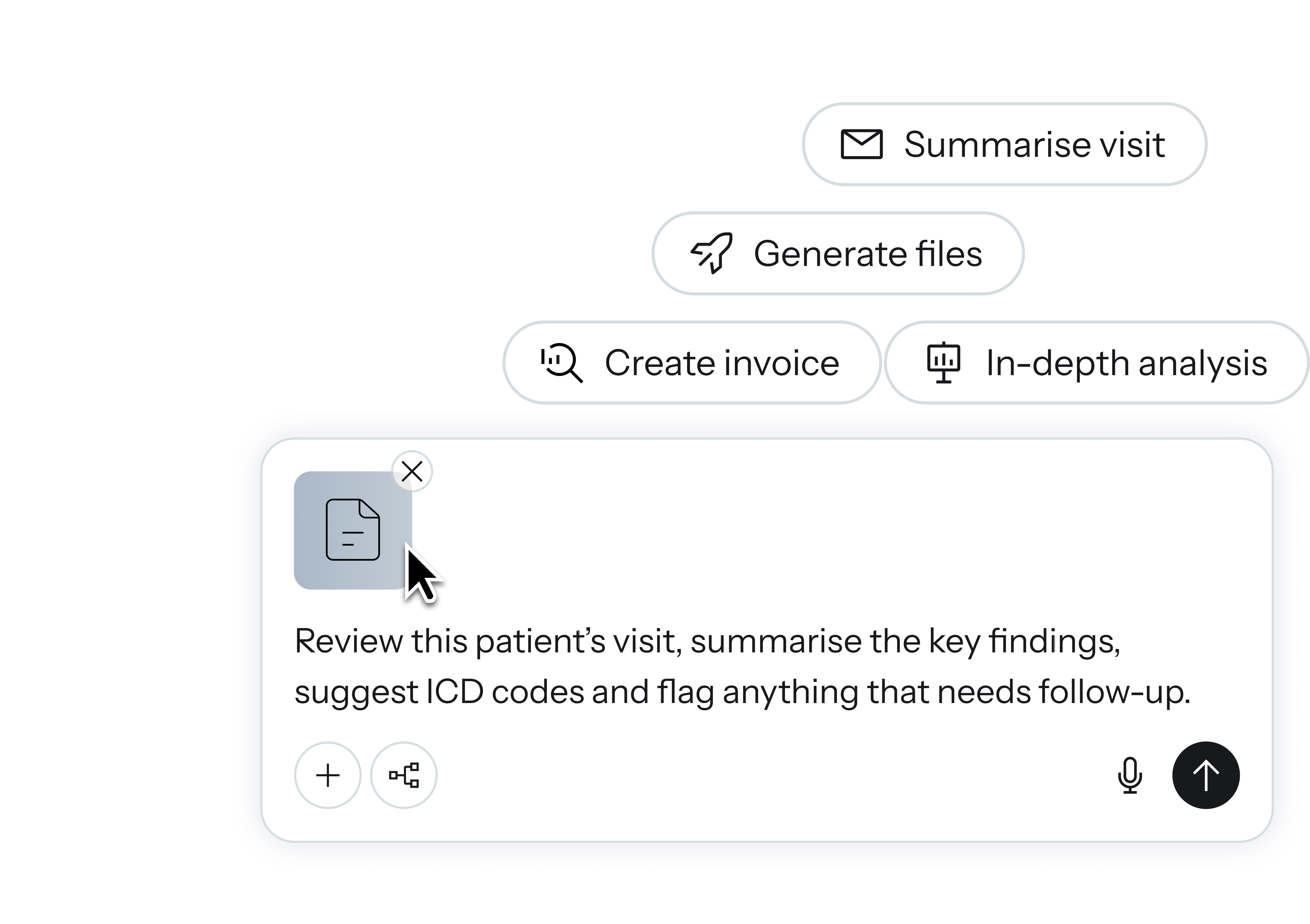
Relify AI assistant interface

Understand what is happening.

Revenue, queue, appointments, stock, invoices, patients and more — interpreted in context.

Connected clinic intelligence

Generate the work.

Prepare XLSX reports, summaries and operational breakdowns directly from the conversation.

Reports & exports

Take authorised action.

When enabled, Relify can prepare and complete operational changes after the right checks and confirmation.

Controlled DO actions
Permission aware

Your assistant has the same boundaries you do.

Relify AI does not create a new back door into clinic information. Its available tools are filtered by the user's role, branch or HQ scope, module permissions and the action-specific rules behind each workflow.

Role + module controlsReception, pharmacy, doctors, branch admins and HQ see different capabilities by design.
Branch and HQ scopeThe assistant only works inside the clinic-group and branch boundaries authorised for that account.
No permission bypassIf a user cannot access or perform something in Relify, asking the AI does not grant that access.
From answer to action

It can do the work — not only describe it.

For supported workflows, the assistant can turn a request into a structured action: prepare the change, validate what it can, surface exactly what will happen and ask for confirmation when required.

Front desk workflowsAuthorised staff can work with appointments, queue state and invoices directly from conversation.
Inventory workflowsReview stock, add items, update details, stock in batches and perform supported inventory actions.
Confirmation-controlled changesSensitive actions can be held as a clear action request until the user explicitly approves them.
For doctors

Review the patient before the consultation starts.

Doctors can use the assistant to quickly understand authorised patient context before seeing the patient — reducing the time spent opening multiple records just to reconstruct what happened previously.

Patient journey contextBring together relevant appointments, visits, diagnoses, medications, billing and other authorised history.
Faster pre-consult reviewAsk for recent diagnoses, latest medications, allergies, chronic conditions or a concise history before opening the encounter.
Clinical AI stays in the EMRVisit-summary generation, ICD suggestions and other Clinical AI remain inside the clinical workspace for doctor review.
Intelligence that works

Ask for the answer. Ask for the report. Ask Relify to do it.

The same conversation can move from understanding what happened, to explaining why it matters, to generating a file or preparing the next authorised action.

01

Clinic intelligence

Understand operational status and performance without manually joining information across pages.

  • Queue and appointment status
  • Inventory and stock attention
  • Invoice and payment context
  • Branch and group-level trends where authorised
02

Reports & exports

Turn a conversation into structured output for the people who need to review or act on it.

  • XLSX exports from supported modules
  • Operational and management summaries
  • Trend explanations and comparisons
  • Role-appropriate report scope
03

Operational execution

Supported actions run through Relify's real application rules instead of becoming untracked chatbot commands.

  • Validated action requests
  • Confirmation for sensitive changes
  • Permission and branch checks
  • Traceable user-initiated actions
Privacy & control

Designed for clinic data, not generic chat.

Relify AI sits behind the same access model as the rest of the platform. Personal and clinical information is handled within Relify's privacy and data-processing framework, with clear separation between operational AI and Clinical AI.

PDPA-aware Designed around Relify's Malaysian privacy and data-processing obligations.
Scoped access Role, module, branch and HQ boundaries are checked before data or actions are exposed.
Human confirmation Supported high-impact operations can require an explicit confirmation before execution.
Auditable AI-driven operations remain attributable to the authorised user who requested them.

Run your whole clinic on Relify.

One month free. No credit card required. Free migration help.